



Ideas into printed parts.
A Mac app that runs my 3D printer, with an iPhone remote. Claude designs the parts with me, checks the plate before a print and watches it through the camera while it runs.
What it does
Nov 2026- 01From an idea to a box of partsTell Claude what you want to make. It asks questions, mocks up a few options, designs every part and works out which plates to print them on.
- 02A booklet for every buildEach project gets a printed-style assembly manual: numbered steps, the parts and tools for each one, and how long it takes.
- 03Nothing prints on a guessBefore a print starts, Claude looks at the plate through the camera. It only goes once the plate is clear and you've said yes.
- 04Watched while it printsEvery few minutes Claude compares the camera shot with what the slice says should be there. If it's sure a print has failed, it pauses it. If it isn't sure, it asks you.
- 05Stock on the shelfFilament, screws and inserts are counted, so a project uses what's already there before anything new goes on the shopping list.
- 06A remote in your pocketThe iPhone app shows the camera, the temperatures and the next plate. Answer Claude from a notification, and follow the print in the Dynamic Island.
Screens
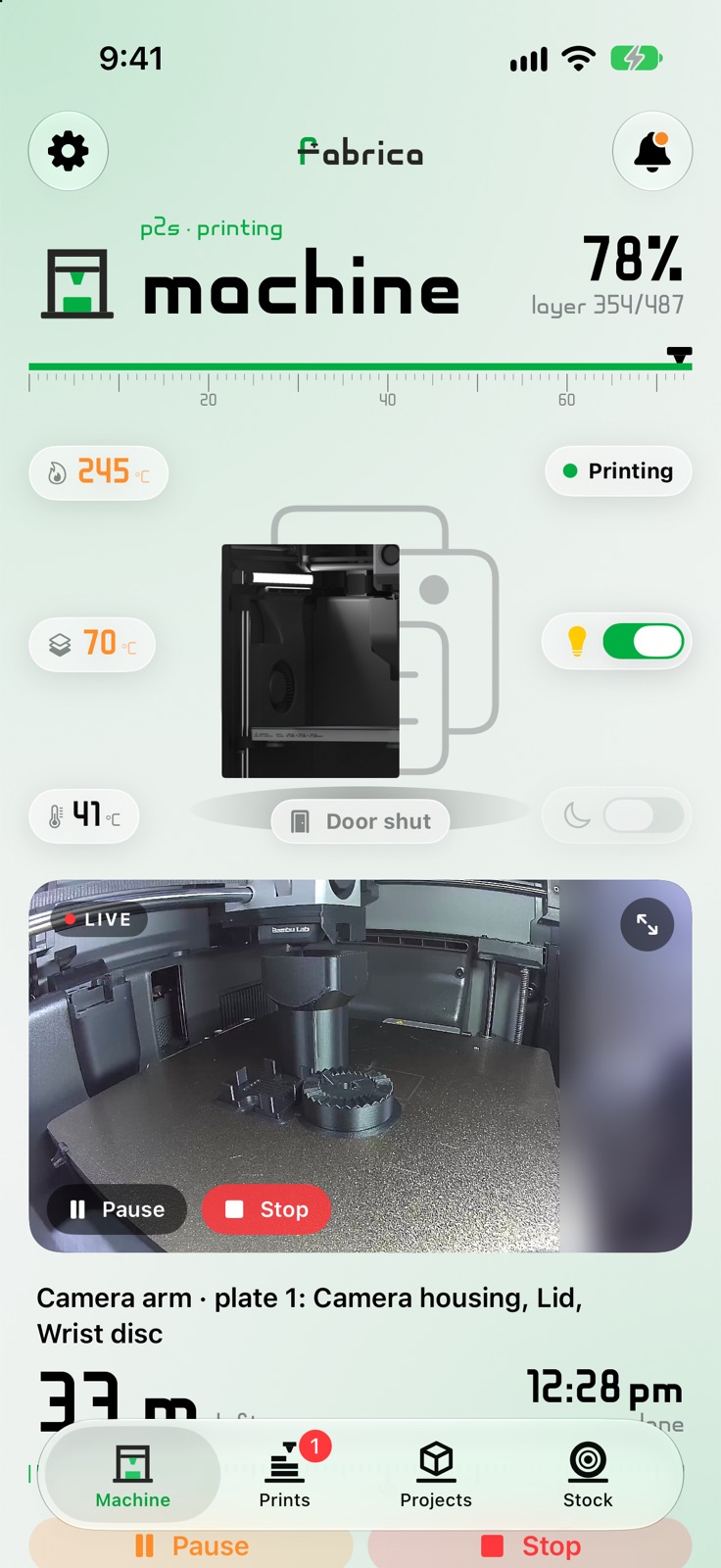 Machine on the iPhone: temperatures, the live camera and the print under way
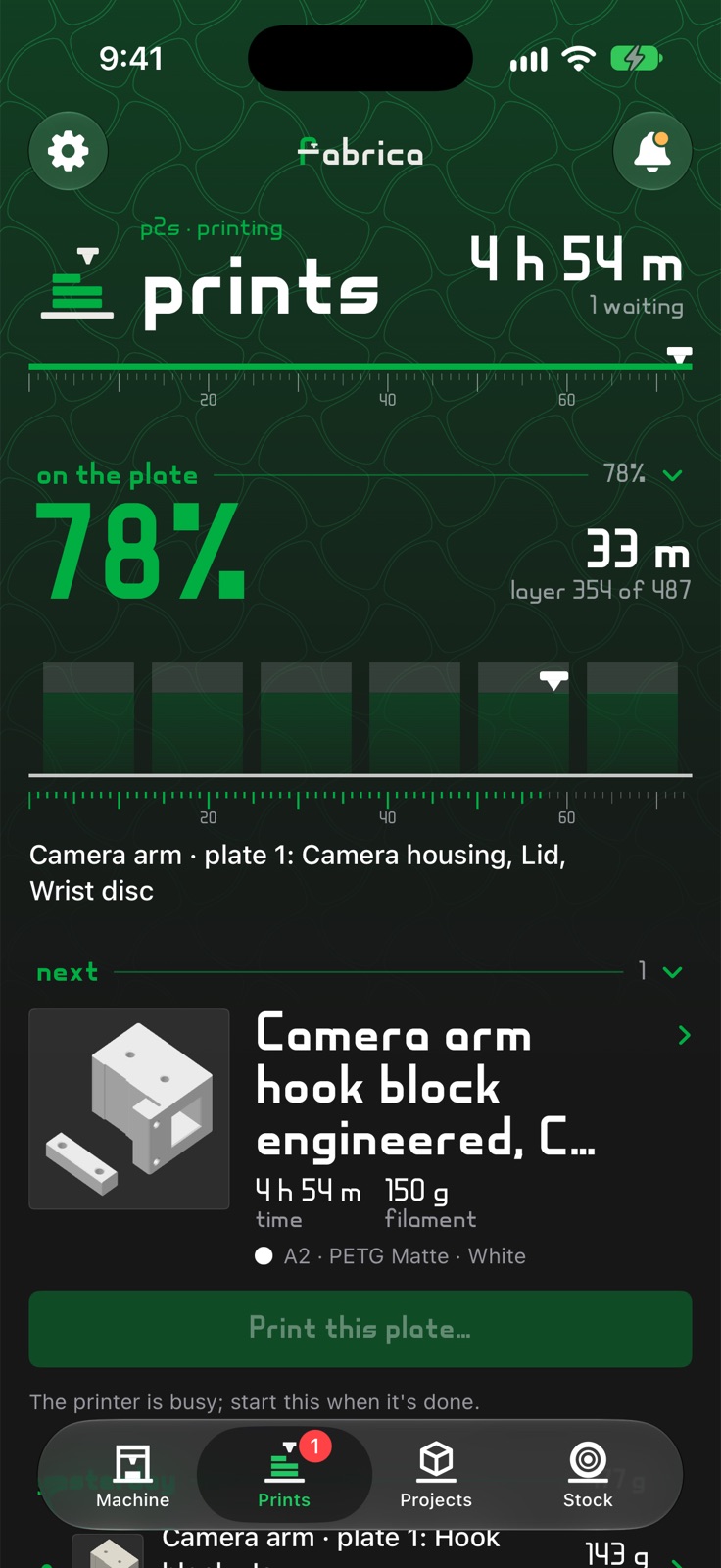 Prints, in dark mode: the plate at 78% and the next one waiting
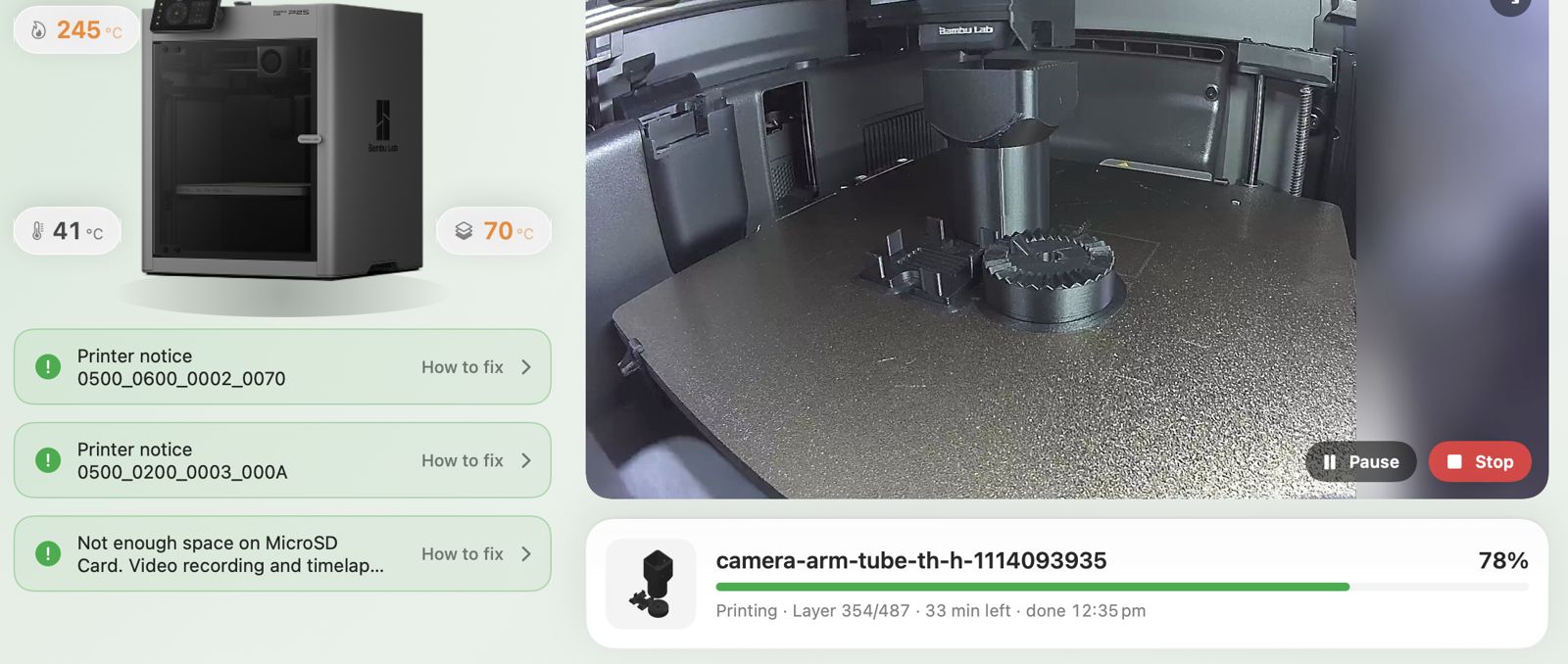 The Mac app's live page: the printer, its notices and the camera
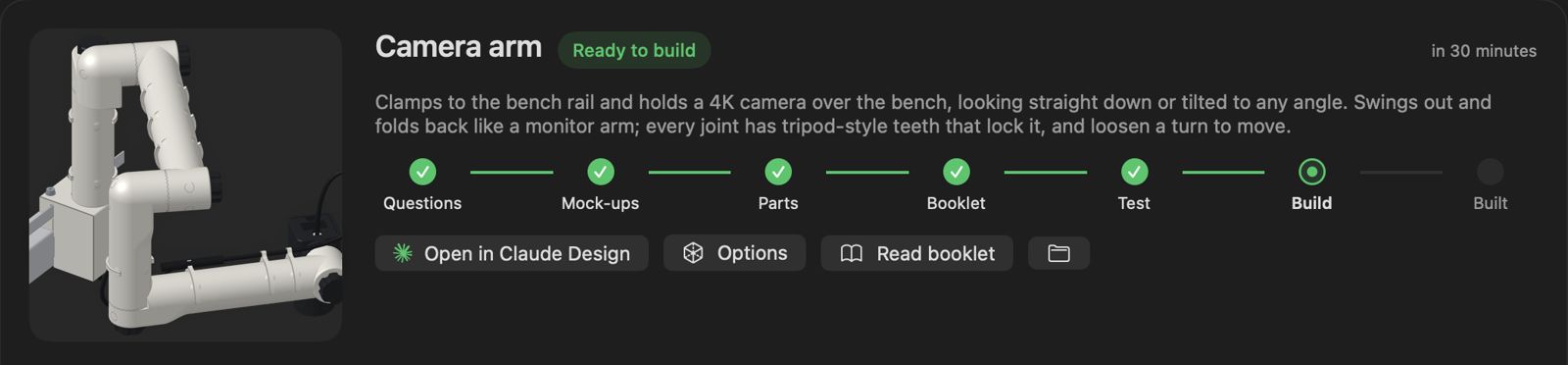 The camera arm on the Mac, from questions through to build
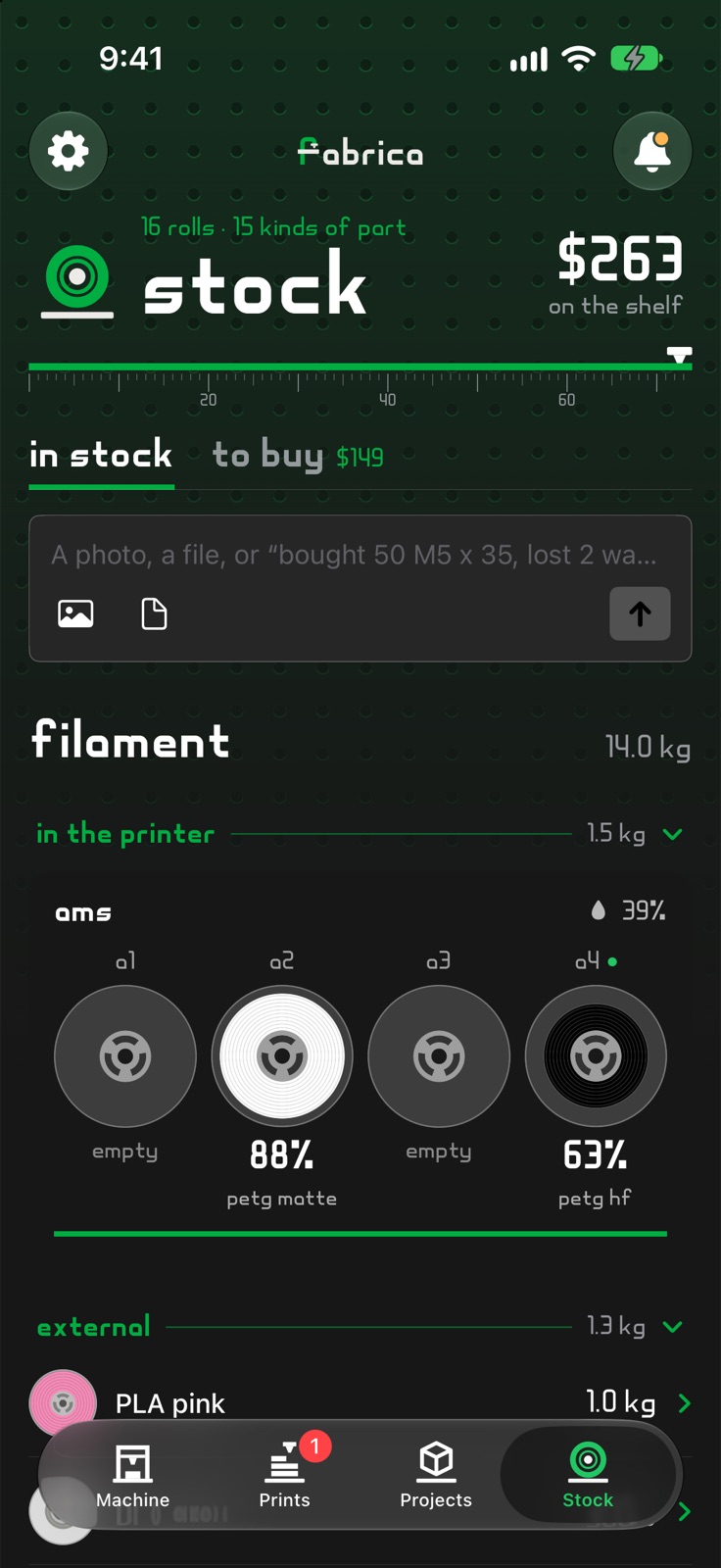 Stock, in dark mode: what's loaded in the printer and what's on the shelf
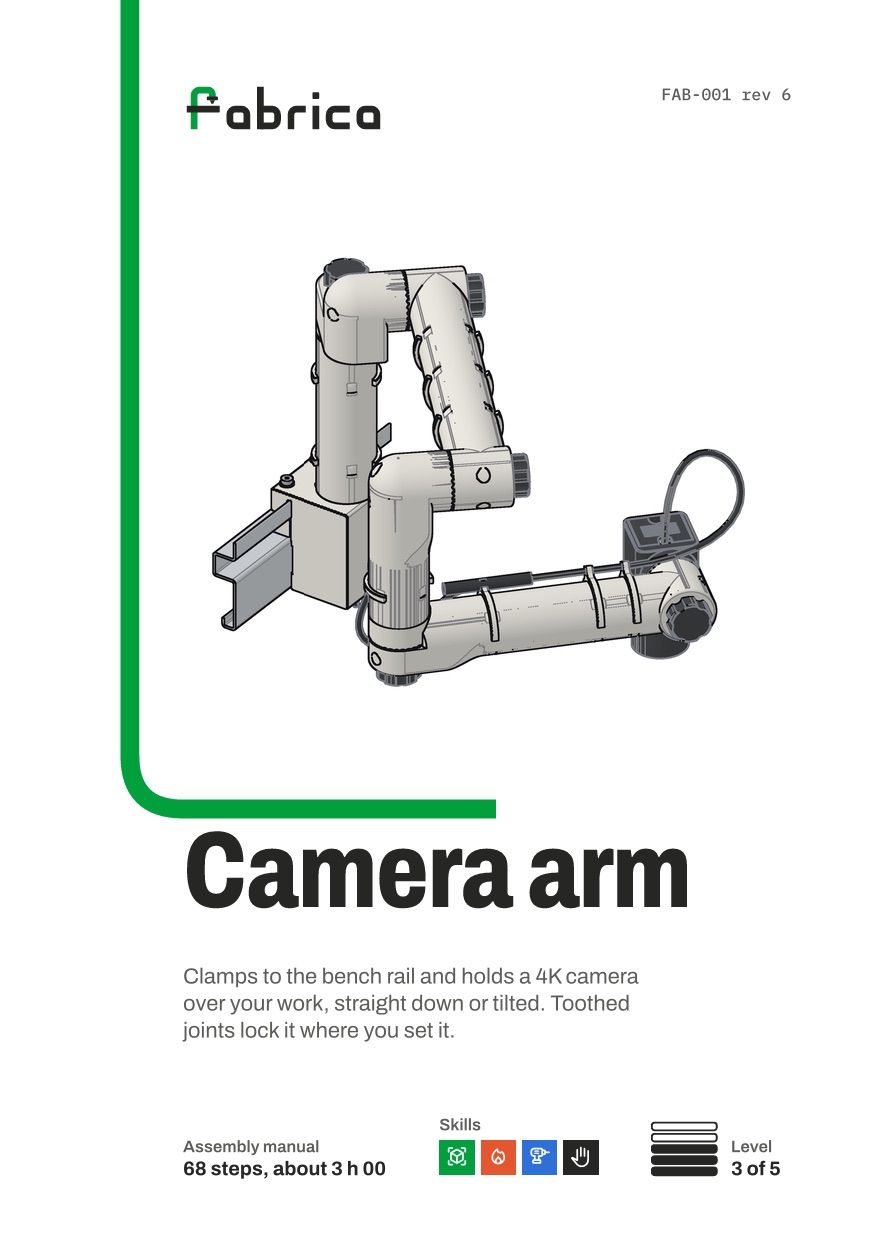 The cover of the camera arm's assembly booklet
Signature
The camera arm
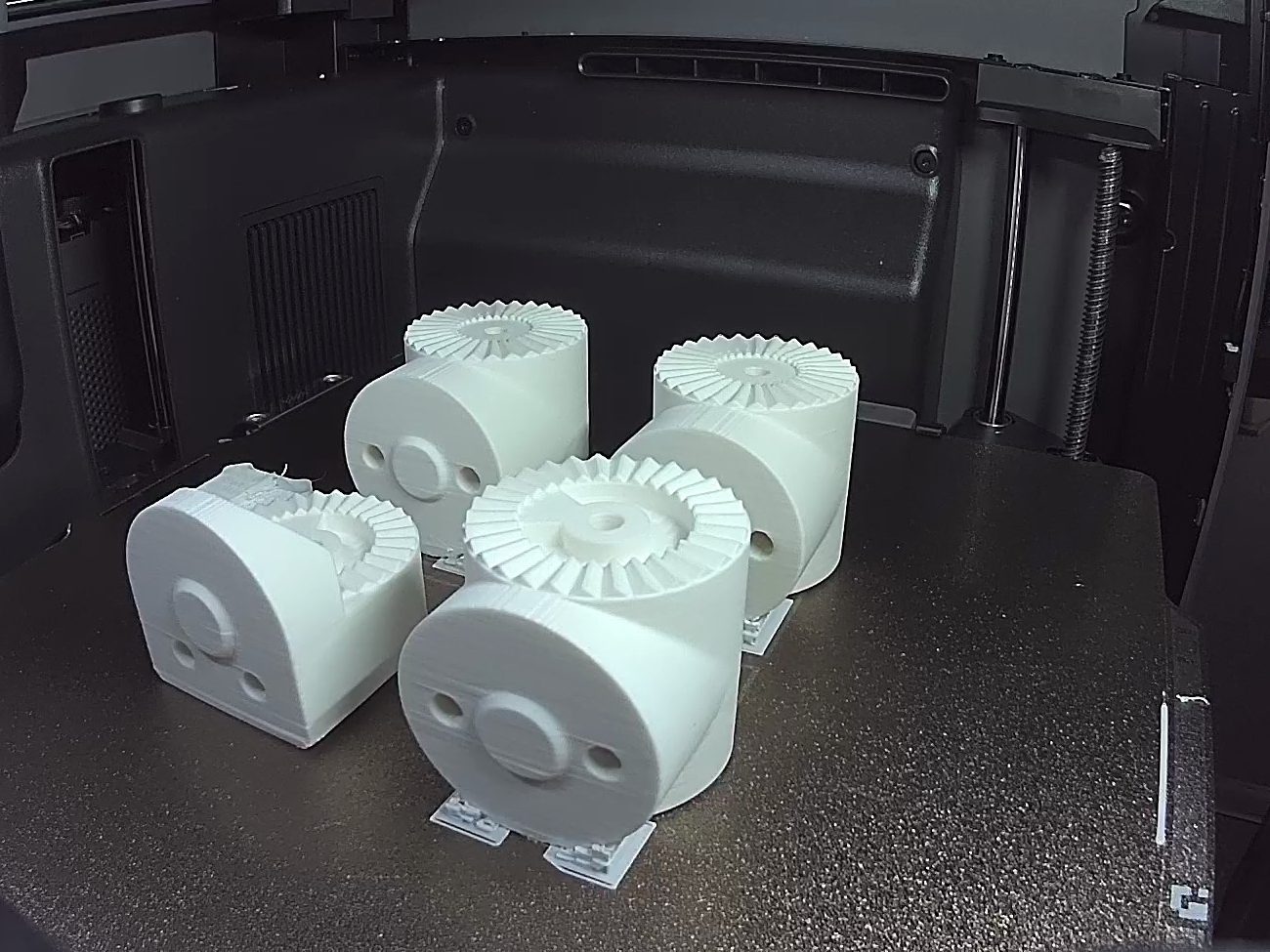
The first thing Fabrica built. An arm that clamps to the steel rail over my bench and holds a 4K camera over the work, looking straight down or tilted to any angle. It swings out and folds back like a monitor arm, and every joint has tripod-style teeth that lock it. Loosen a knob a turn to move it. Designed in code with Claude and printed one plate at a time, with a 68-step booklet to put it together.
How it works
- A server on the MacA small Python server keeps one live link to the printer and its camera, slices with the printer's own slicer, and serves the Mac and iPhone apps.
- Designs in codeClaude writes each part as OpenSCAD or build123d, renders it from three angles and checks it against a design checklist before I see it. Fit tests print first, small and fast.
- A print needs two yesesStarting a print takes a fresh plate check and a one-use token that lasts five minutes. Nothing Claude can run sends a print by itself.
- Phone to Mac, never to the printerThe iPhone pairs with an eight-letter code and gets its own key. It talks only to the Mac, over home Wi-Fi or Tailscale, and can watch, pause and answer, but not change settings.
Design
Inter · Fabrica BeadAa
#262624#00AE42#5B5D58#F4F4F4
- The mark is a lowercase f whose stem turns over like a nozzle, with the crossbar as the build plate. The wordmark's letters were grown into a whole typeface, Fabrica Bead.
- One accent: printer green, for the bead of plastic being laid and for anything you act on. Everything else is ink and grey.
- A technical drawing, not a stack of cards: plain rows on hairlines, a steel rule under each heading, and the nozzle laying a green bead along the page.
- Each tab has its own pattern behind the header, taken from the printer itself: a gyroid infill on Prints, a pegboard on Stock.