Music you can see.
A Mac visualiser that listens to whatever's playing and pulls it apart as it goes. The drums, the bass, the notes and the voice each get their own colour and their own shape, with the lyrics in time beside them.
What it does
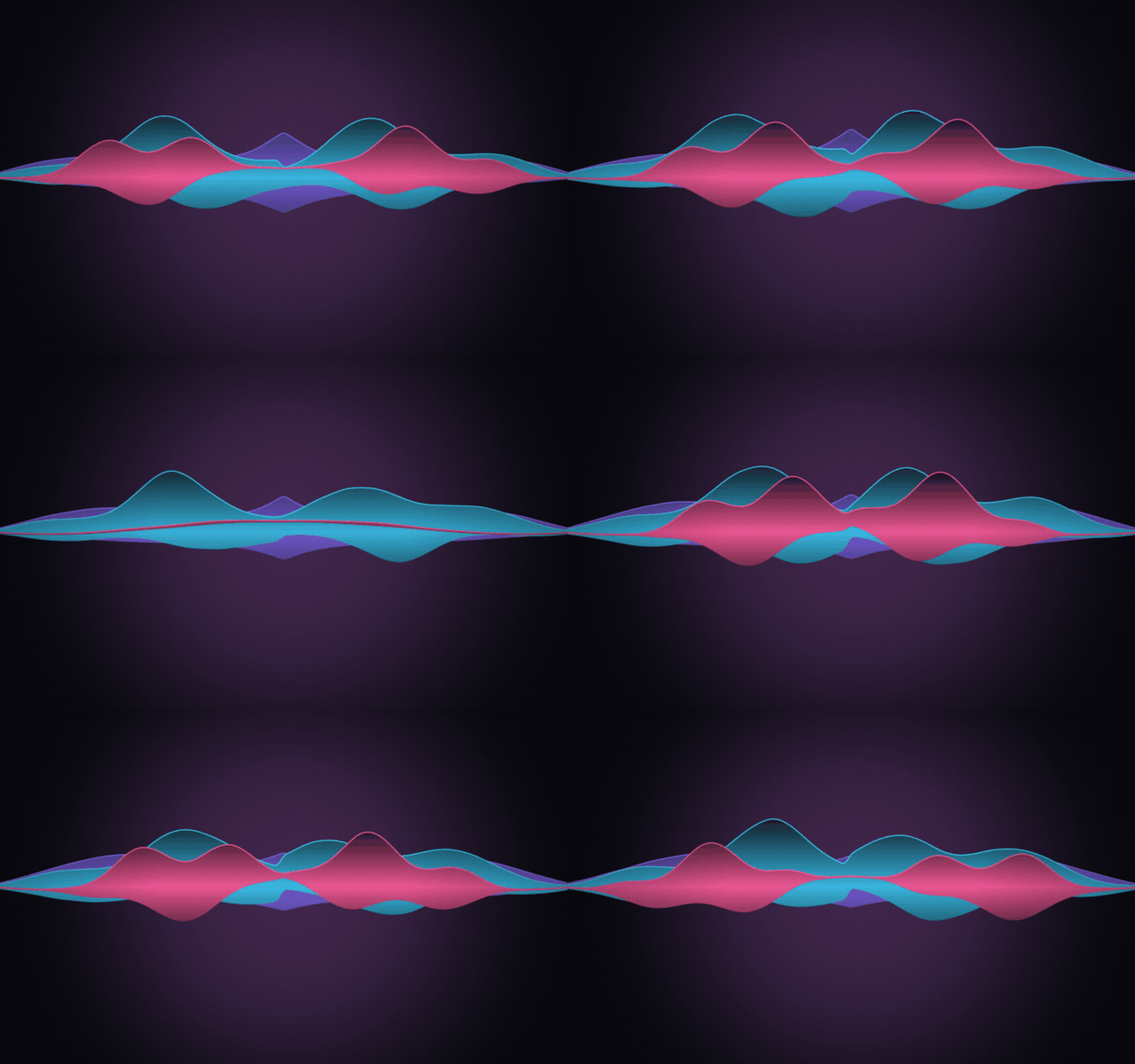
Oct 2026- 01One ribbon per partAurora draws three ribbons: bass and drums at the back, instruments in the middle, the voice in front. Each moves only with its own part, so when nobody's singing the front ribbon lies flat.
- 02A lane for everythingLayers gives vocals, instruments, guitar, piano, drums and bass a lane each. The vocal lane rises and falls with the sung note, and the drum lane ticks on every kick, snare and hat.
- 03Lyrics in timeSynced lyrics sit beside the visuals, with the current line lit up. Click a line to jump there. Six layouts, from big centred lines to subtitles along the bottom.
- 04Colours from the coverEach song's palette comes from its album art. Drag any cover colour onto a part if you'd rather the vocals were red.
- 05Your photos, on the beatPick photos or an album and they change on the beat, a new one every few bars.
- 06On the TV tooA small companion app puts it full screen on the TV, and can lay just the sung line over whatever else is on.
Screens
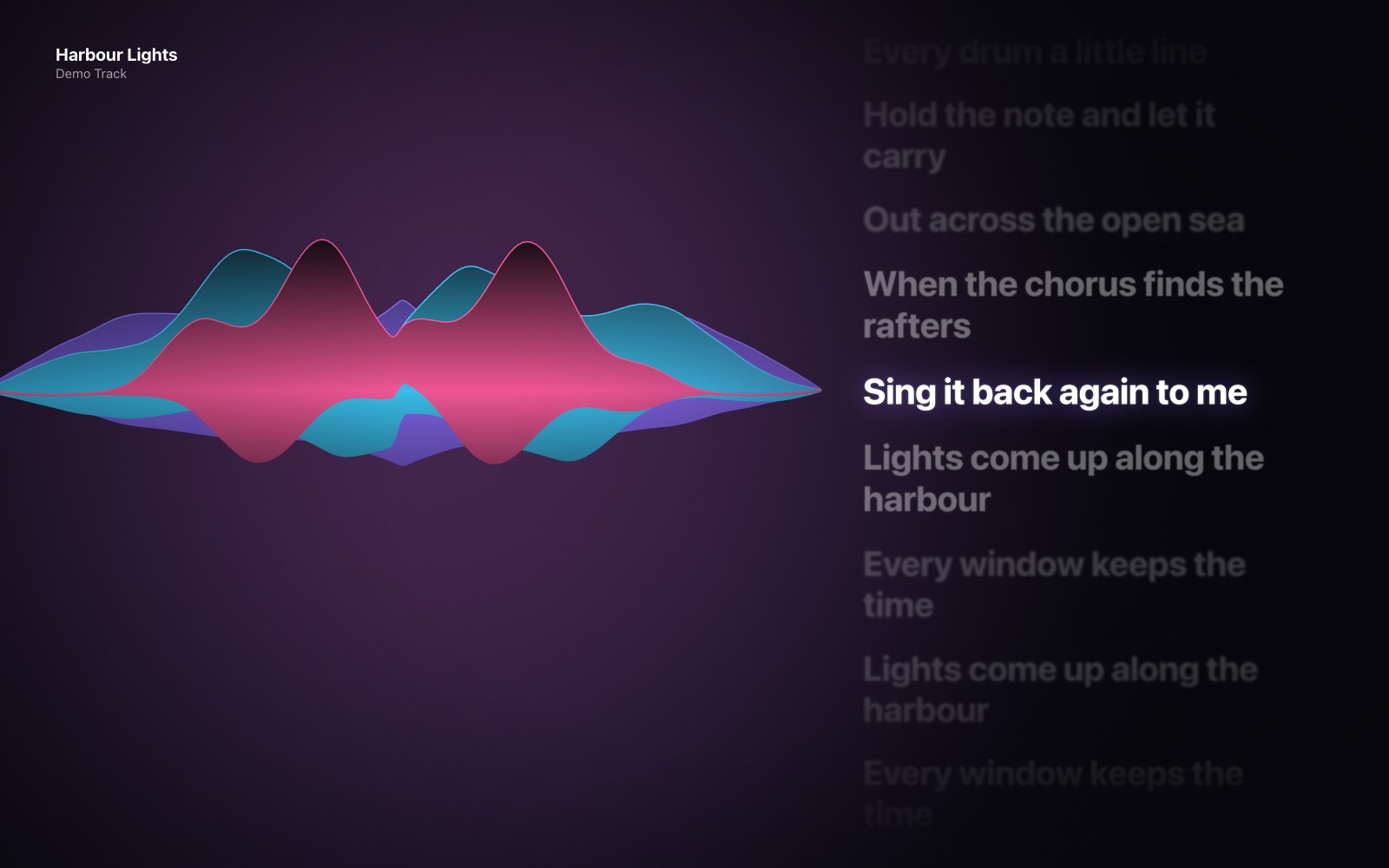 Aurora: three ribbons for bass and drums, instruments and vocals, with the lyrics on the right
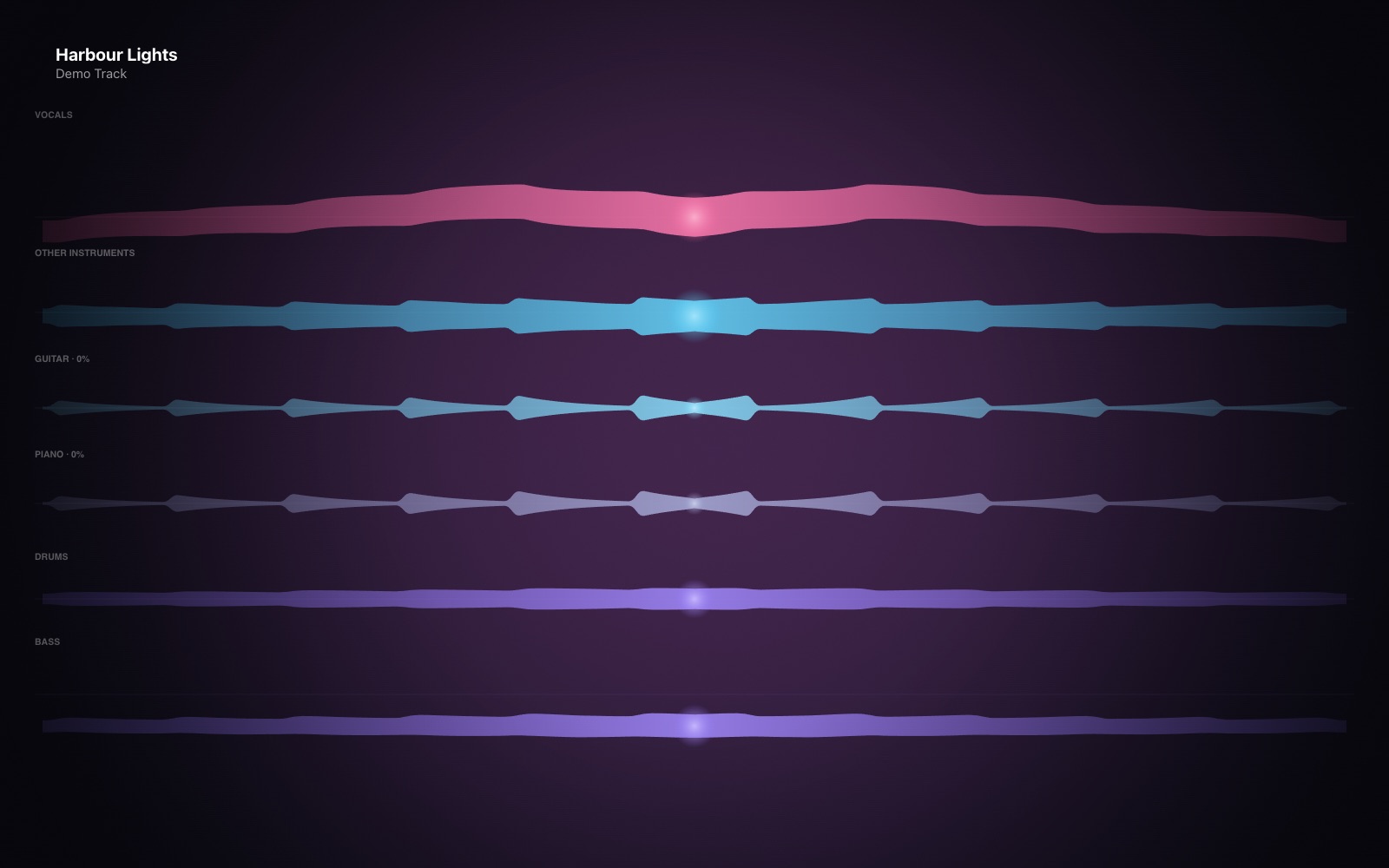 Layers: a lane each for vocals, instruments, guitar, piano, drums and bass
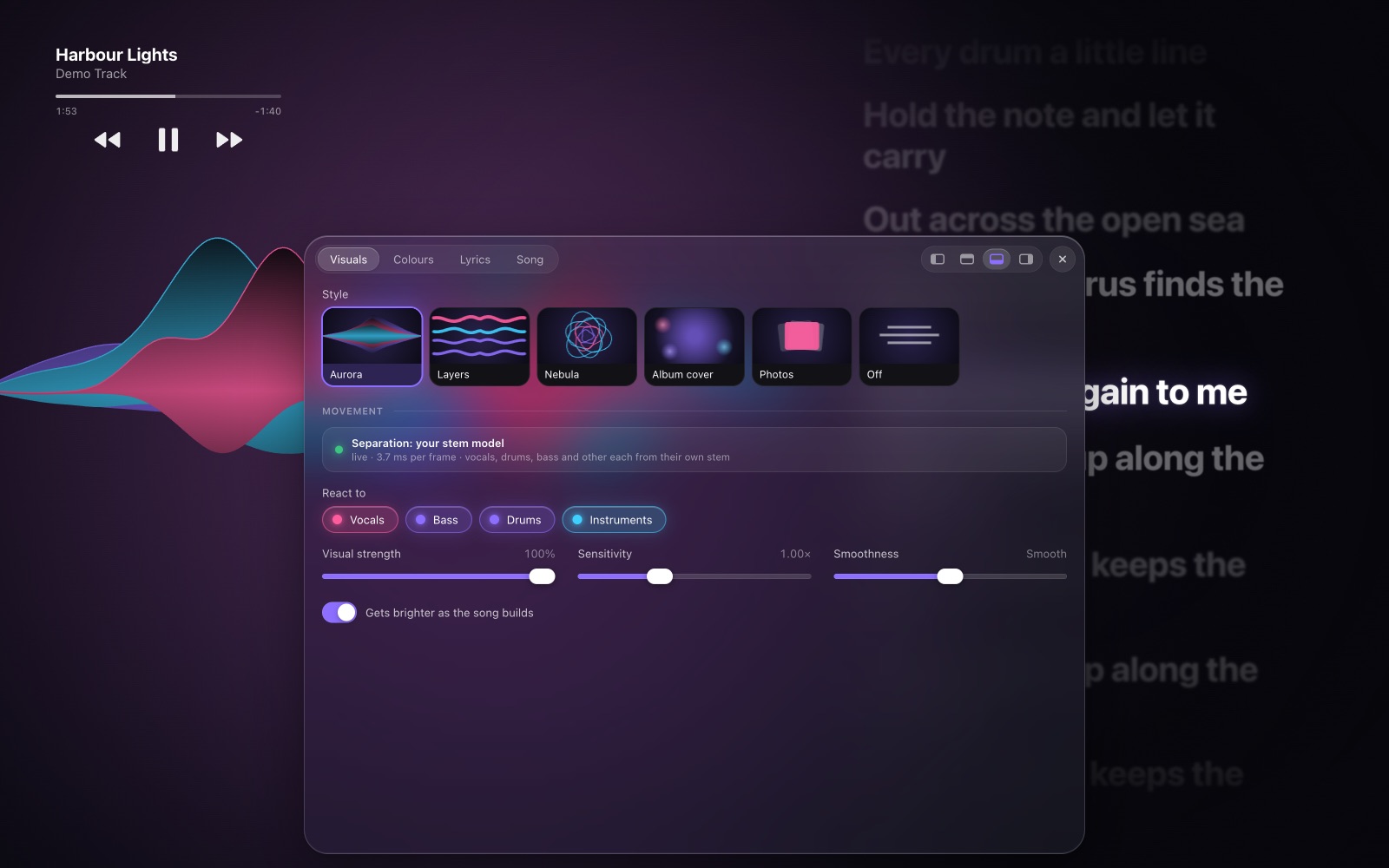 The settings dock: styles with live previews and the parts to react to
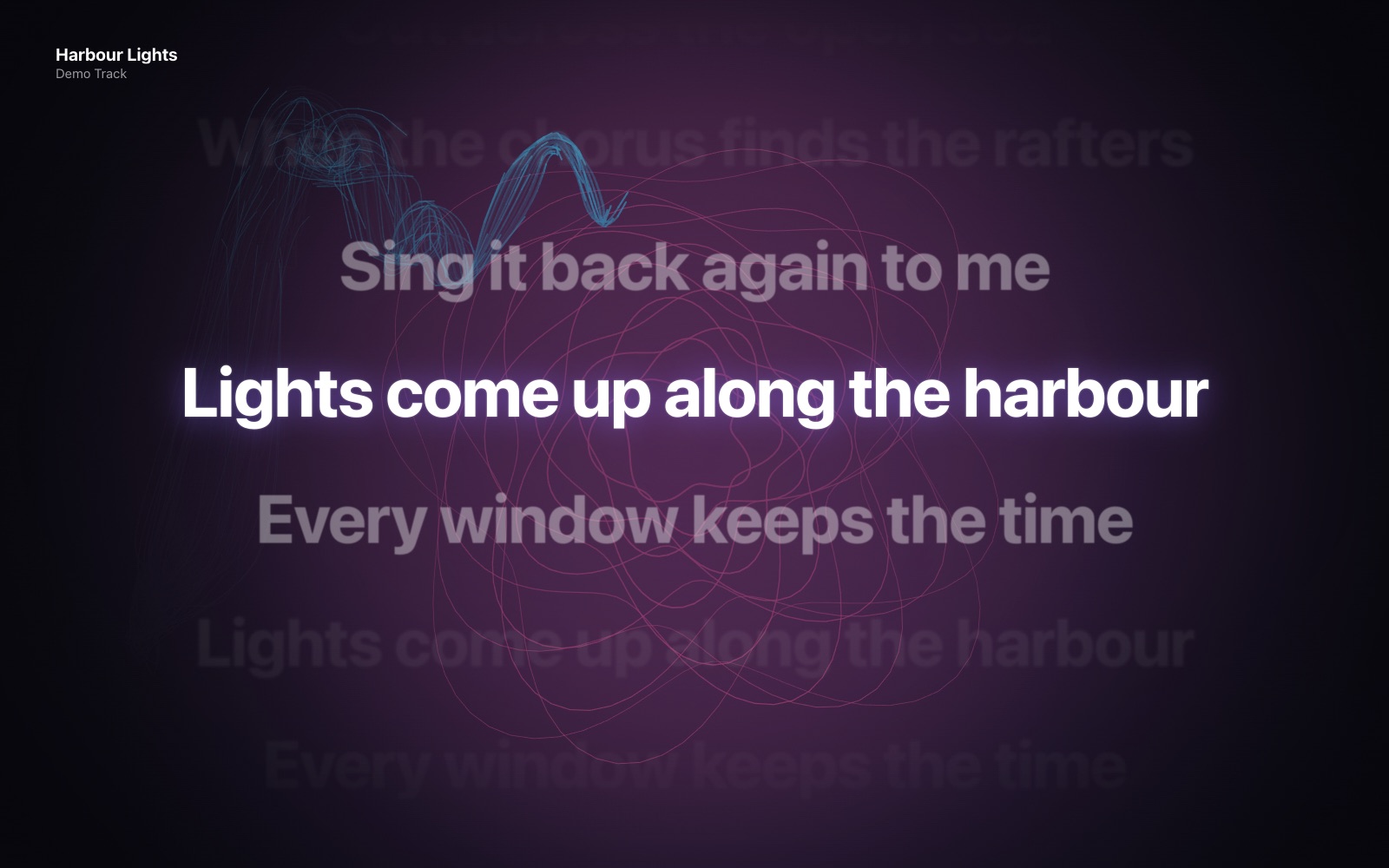 Nebula behind big centred lyrics
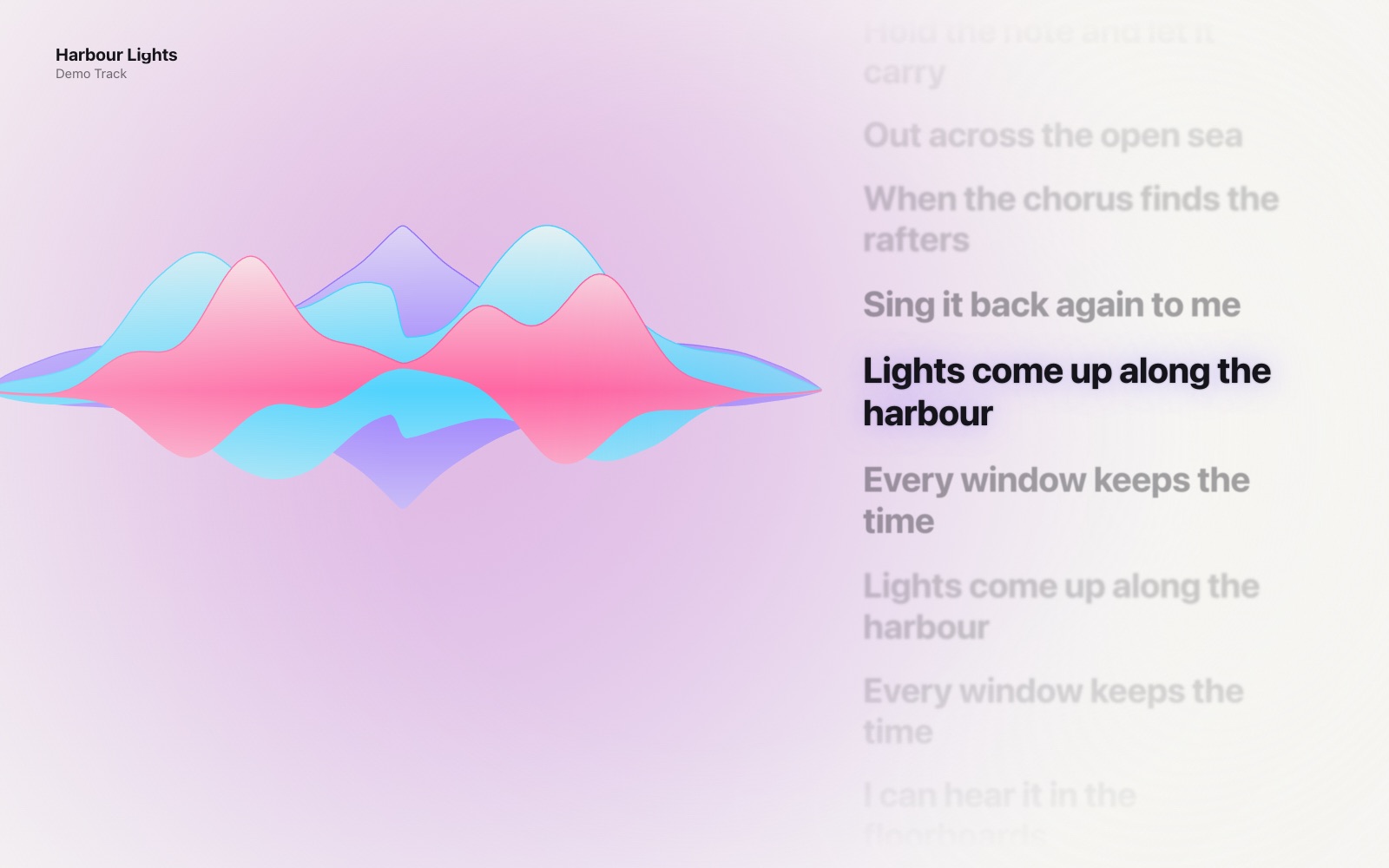 Aurora on the light background
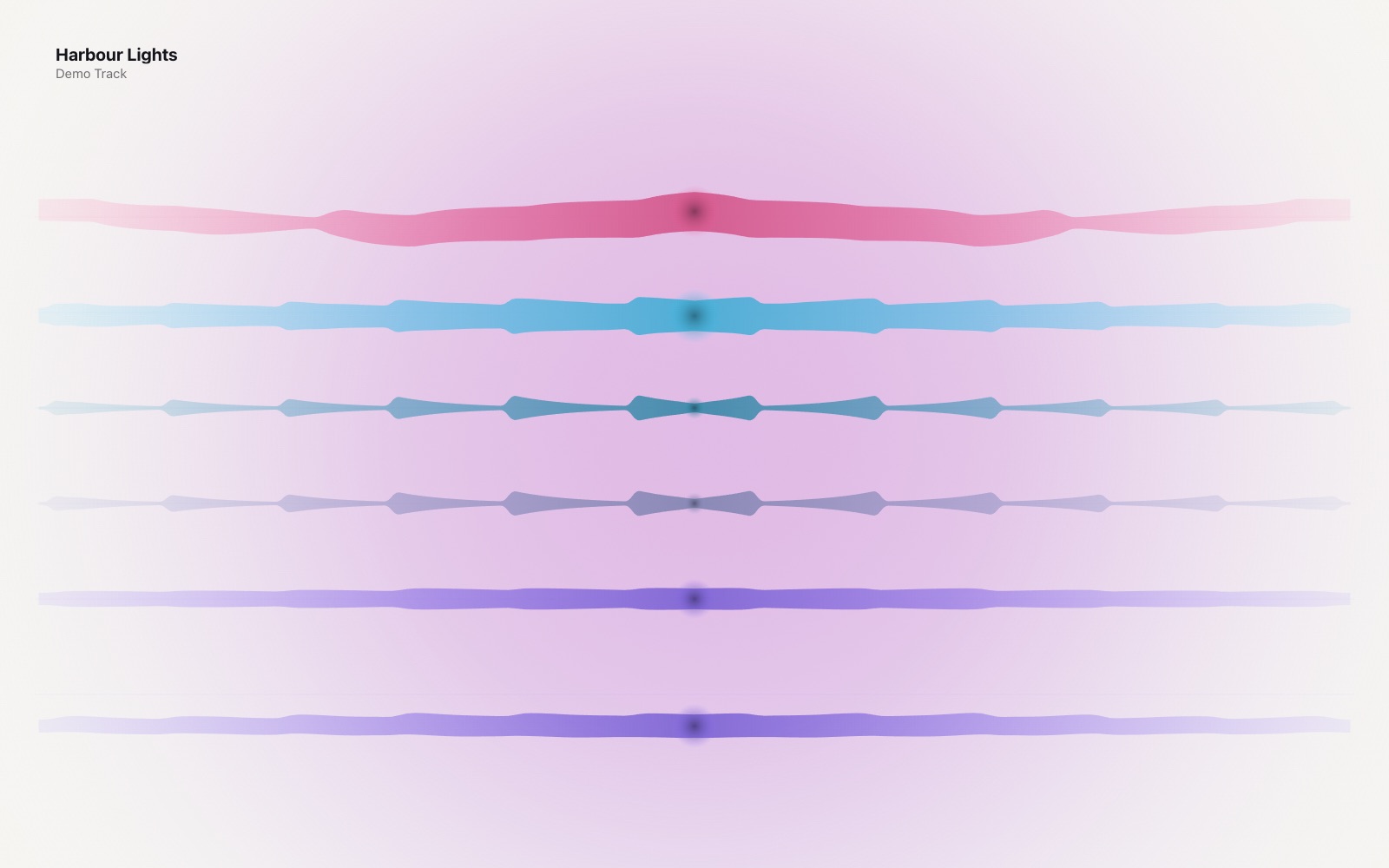 Layers on the light background
Signature
Three parts, three colours
Violet is always the bass and drums, pink is always the voice, cyan is always the instruments. The same three colours run through every style and the settings, so you learn to read a song by colour. When a cover has its own colours, they take the three places instead.
How it works
- ListeningA small helper app taps the Mac's sound output with a Core Audio process tap. Nothing is routed through it, so it hears anything the Mac plays. The song name, cover and lyrics come from Apple Music.
- Pulling the song apartEvery 11.6 ms a small separation model splits the sound into vocals, drums, bass and the rest. It's my own: a 6-million-parameter network that only ever hears the past, running on the CPU in about 4 ms a frame. Next to it, RMVPE follows the sung note, Basic Pitch picks out notes, two little models of my own catch drum hits and strums, and Apple's sound classifier names the instruments.
- Learning overnightBig offline separators are far better but need several seconds of the future. So the helper keeps short clips of new songs, and between 1 and 7 am, when the Mac is idle, the big models label them and the live model trains on the result. A new version only goes live if it beats the old one on held-out songs.
- Drawing itA local Python server passes about 60 frames a second to a web page, which draws on a canvas. The Mac app is a SwiftUI window around that page, with real menus, keyboard shortcuts and Apple's Photos picker. Lyrics come from LRCLIB and covers from the iTunes catalogue.
Design
InterAa
#181820#8C6EFF#6A6A70#F6F5F2
- Three part colours: violet for bass and drums, pink for vocals, cyan for instruments. Everything else is white on near-black, or ink on warm paper in light mode.
- The visuals fill the window. No title bar, and the controls fade away when the mouse stops.
- Settings live in a frosted-glass dock you can pin to any edge, with springy pills and live previews of each style.
- The system font throughout, bold for lyrics with a soft glow on the line being sung.