


The Mac, from my phone.
A small box on top of the Mac mini that plugs in as its keyboard and mouse and watches its screen. The iPhone app drives it from anywhere, so I can reach the Mac even at the lock screen.
What it does
Nov 2026- 01Works at the lock screenTo the Mac it's a real USB keyboard and mouse, so it works where Screen Sharing can't: the lock screen, the FileVault unlock after a restart, a permission prompt.
- 02The screen, liveA fresh screenshot every 2 seconds while the app is open. Pull down for one straight away.
- 03Tap to clickTap to click, double-tap to double-click, hold to right-click, pinch to zoom. Drag and Scroll modes turn a finger into a mouse drag or the scroll wheel.
- 04Type to the MacA text field that types on the Mac, plus esc, tab, ⌘, ⌥, ⌃, the arrows and return.
- 05A password it forgetsType the Mac password on the phone, the box types it once and Parrot lets it go. It's never saved.
- 06The Mac at a glanceFolds for the Mac's day awake, locked and asleep, the connection, the box's temperature and today's taps.
Screens
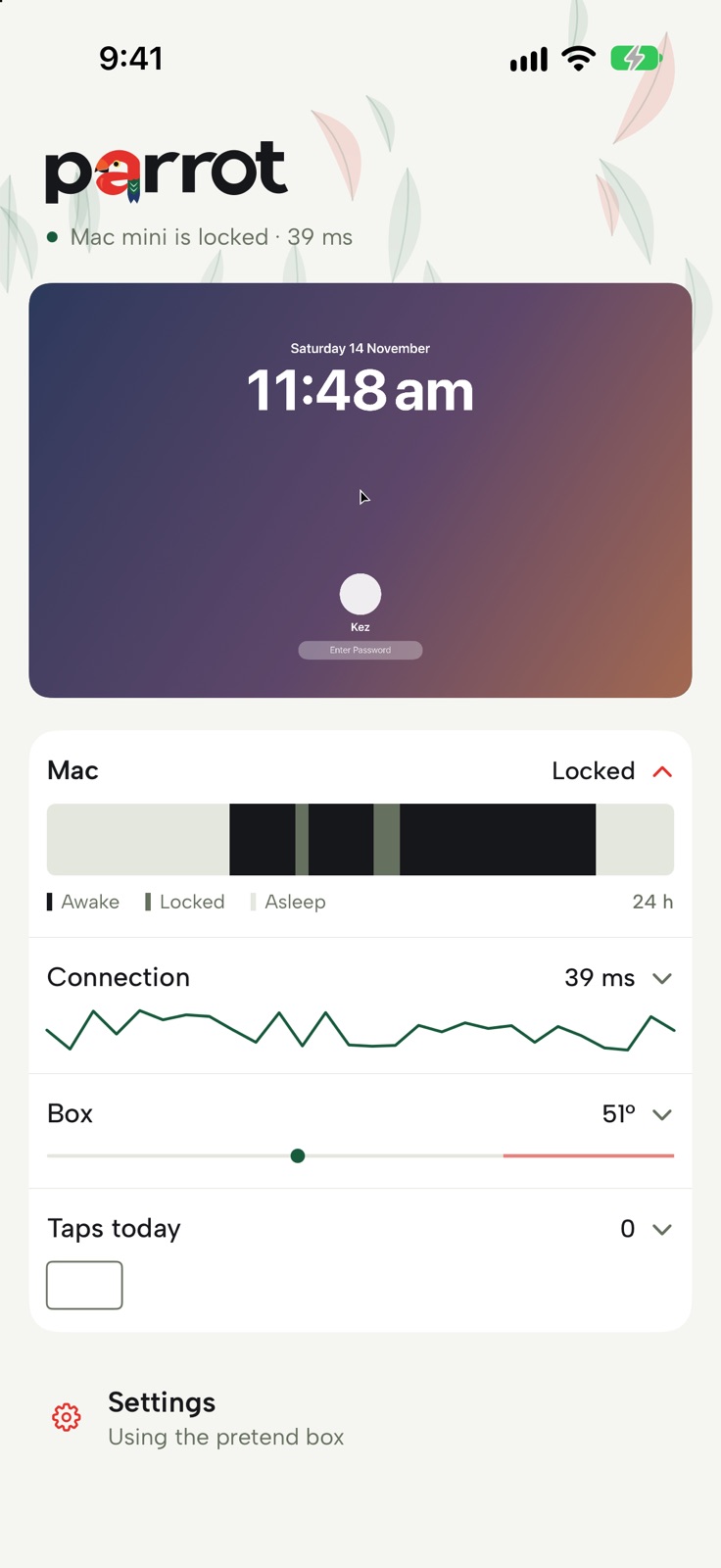 Home: the Mac's lock screen, with folds for the Mac, the connection, the box and today's taps
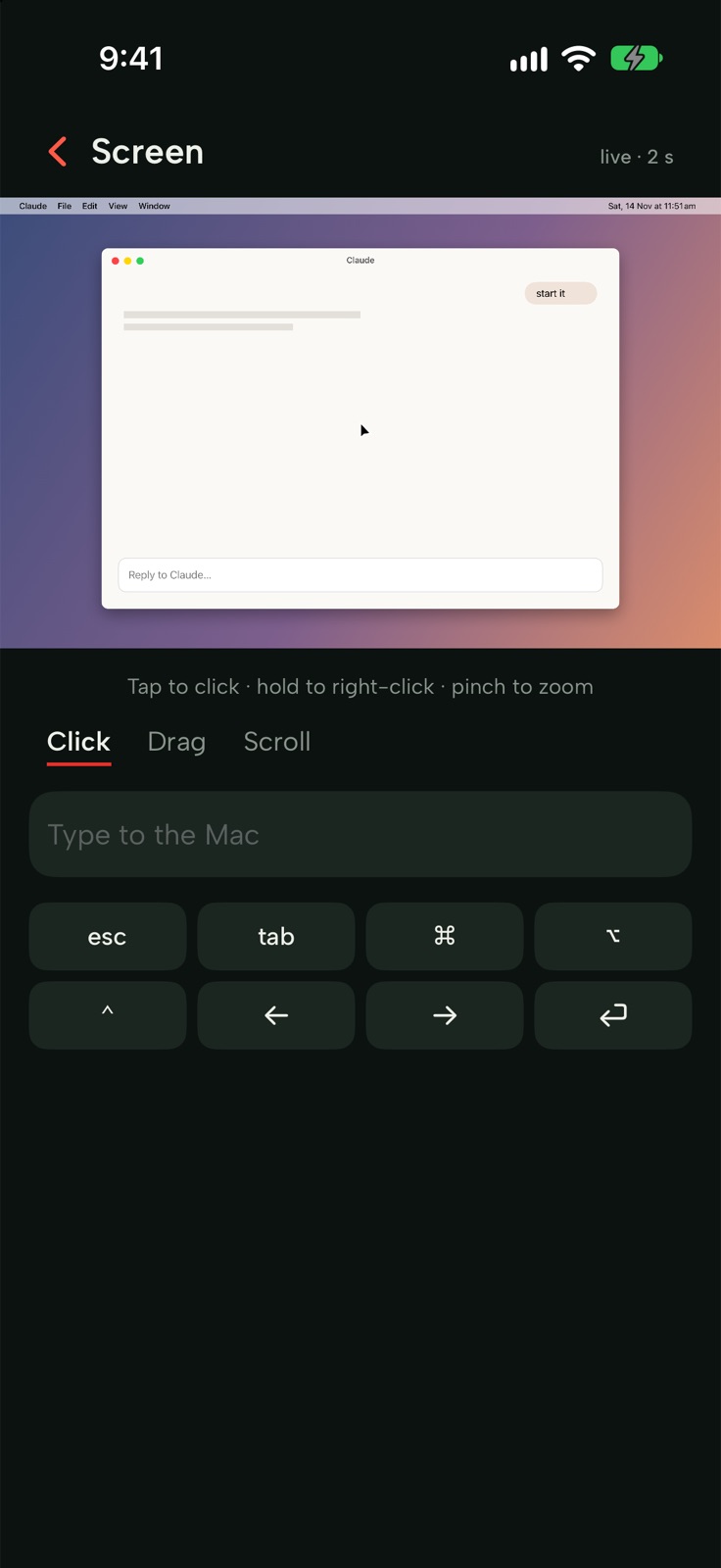 The screen up close, with the Claude window open, in dark mode
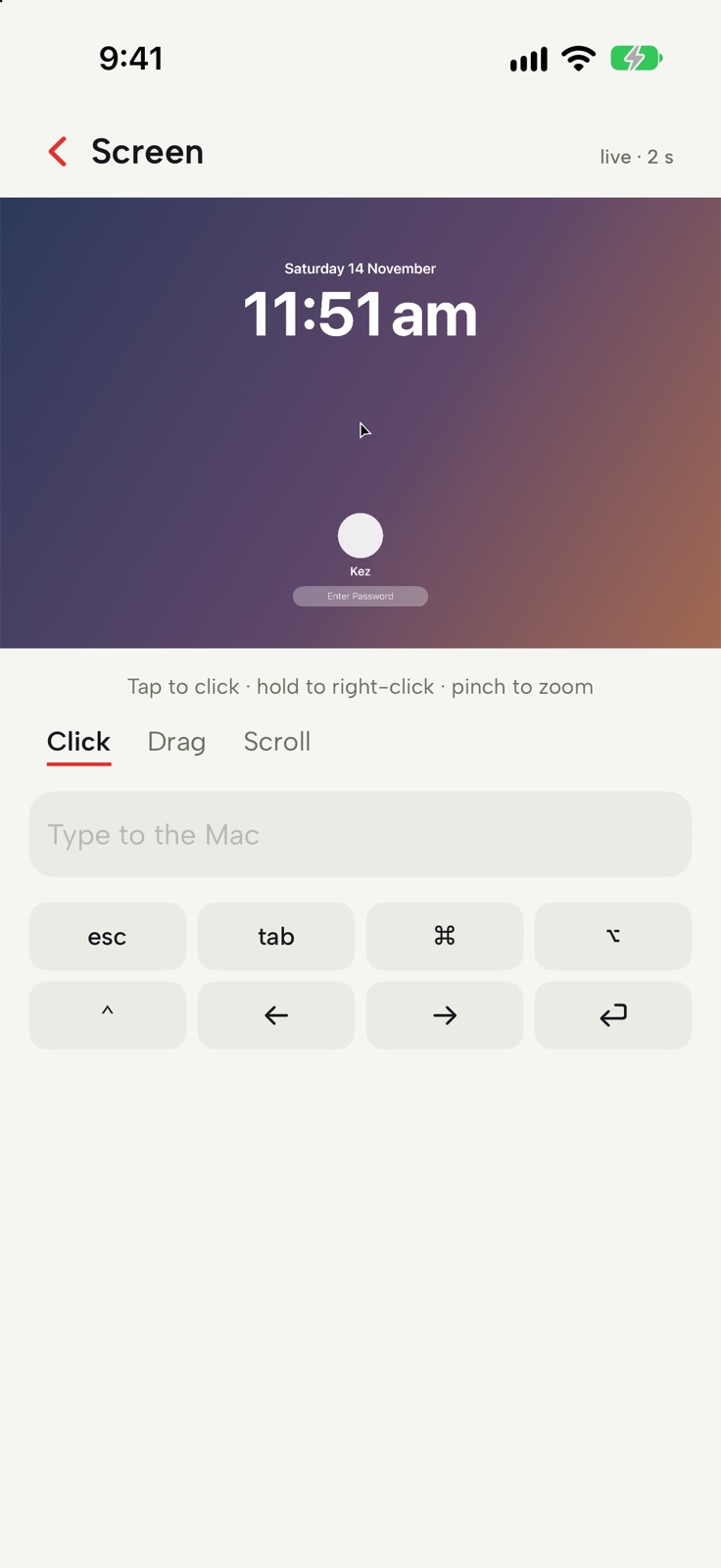 Tap to click, with typing and keys underneath
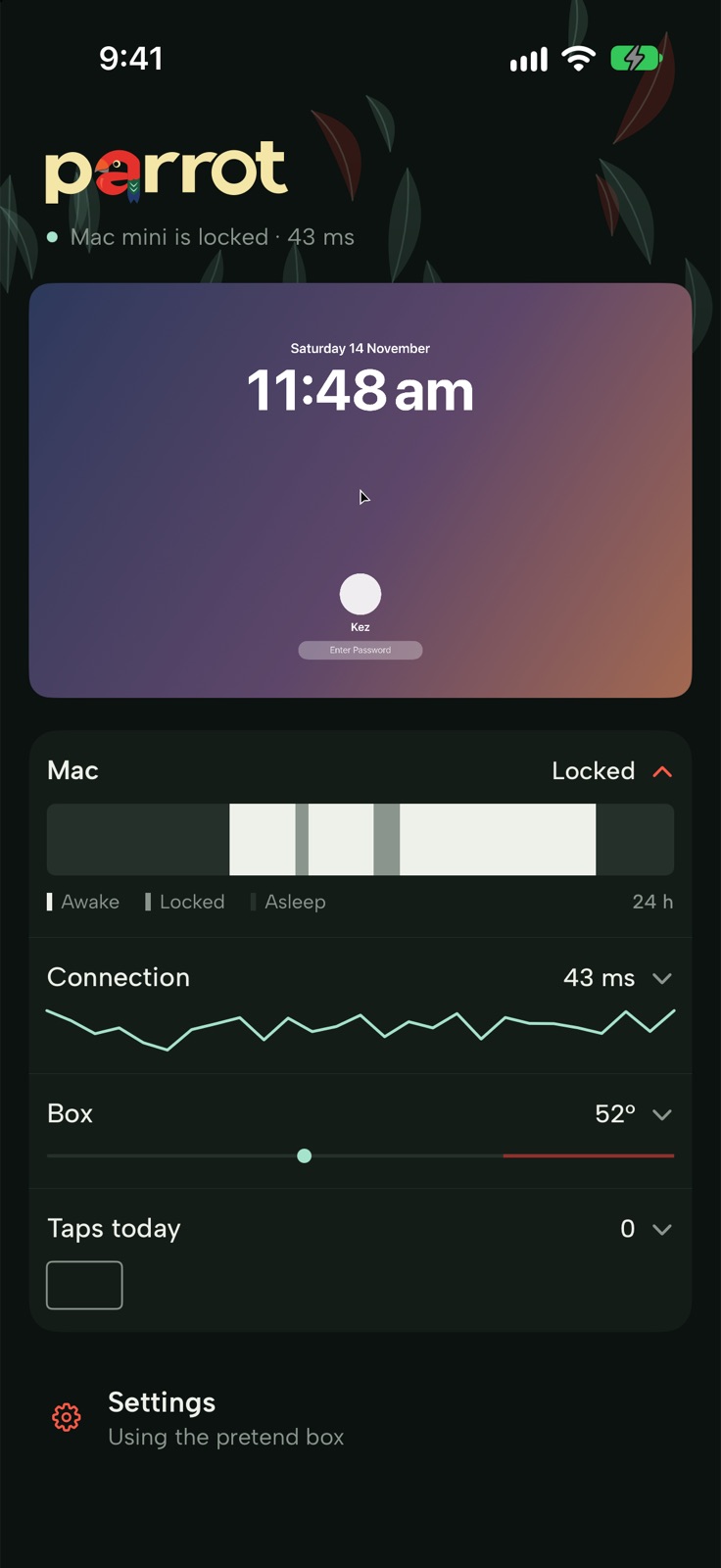 Home in dark mode, gum leaves at night
 Parrot asks for Face ID before it opens
Signature
The a is a king parrot
The a in the wordmark is a king parrot drawn from five circles: red head, orange beak, green neck with two pale stripes, a blue tail. Pull down the home page and a baby parrot grows into the a, crouches, jumps off and loops while the box grabs a new screenshot, then flies back up into the wordmark and becomes its a again.
How it works
- A Pi on top of the MacA Raspberry Pi 4 running PiKVM plugs into the Mac's USB-C as a keyboard and an absolute mouse, so a tap on the phone lands on the same spot on the Mac. An HDMI capture stick gives it the Mac's screen.
- Mirrored, not extendedThe Mac mirrors its main display to the HDMI port. The lock screen only draws on the main display, so mirroring means the box always sees what I'd see.
- Only over TailscaleThe box isn't on the internet at all. The app talks to PiKVM's API over Tailscale, and only my own devices can reach it.
- A pretend box firstUntil the parts arrive, the app runs against a pretend box: a drawn Mac with a lock screen, a Claude window, Spotlight and Force Quit that reacts to typing and clicks.
Design
Albert SansAa
#16171A#E5312B#66705F#F5F6F1
- One accent: king parrot red, only for things you press. Green, mint and blue stay in the mark and the leaves.
- Albert Sans for every word and number, with tabular figures for the numbers.
- Gum leaves behind the top of the home page, mint with the odd red one. Dark mode is bush at night, a green-black.
- Buttons have 14pt corners, from the rounded beak.